Transform YouTube into a
focused learning environment
Hide distractions, take timestamped notes, generate AI flashcards, organize courses, and export to Notion — all without leaving YouTube.
Built for intentional learners
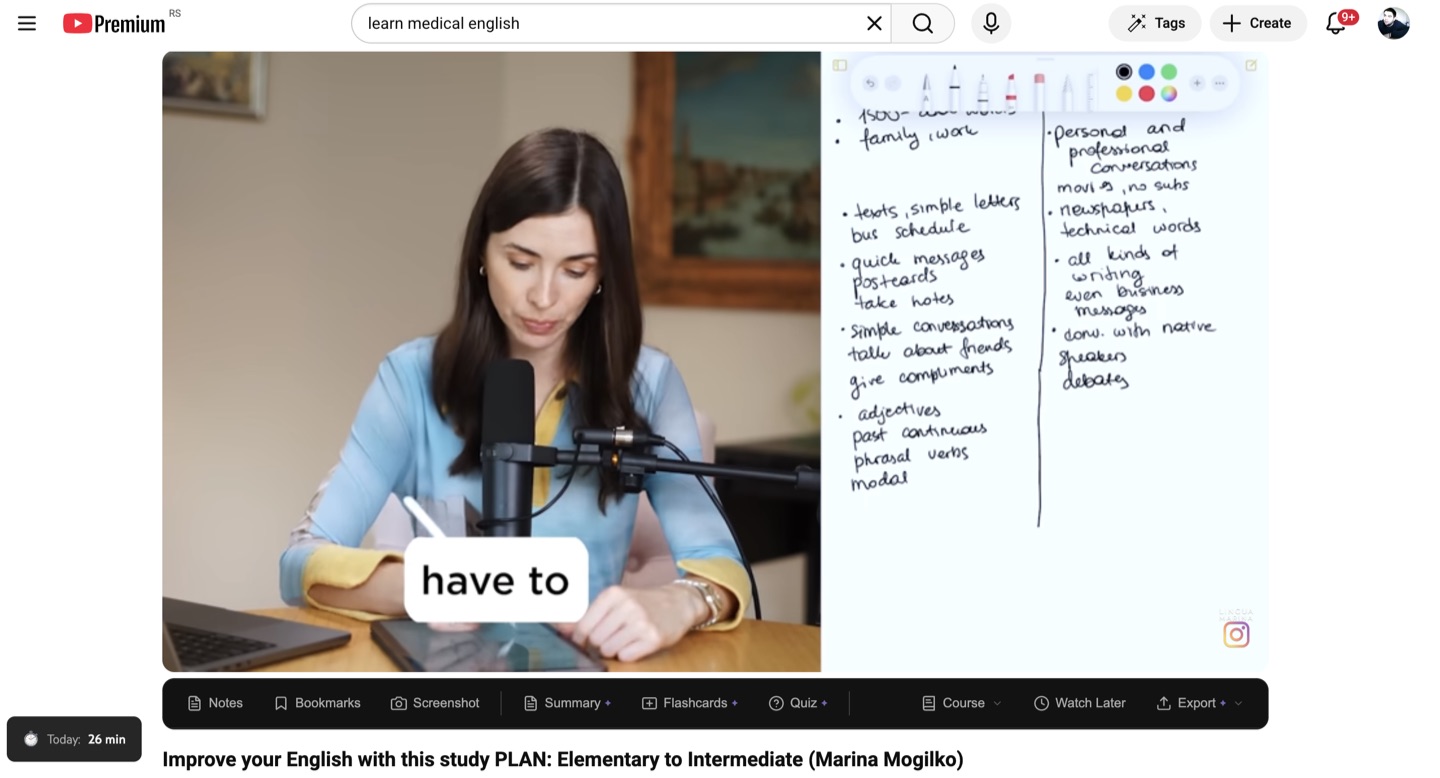
YouTube wasn't built for learning.
YTScholar is.
See the difference when you take control of your learning environment.
Before YTScholar
- Recommendations pulling you into rabbit holes
- No way to take structured notes on videos
- Manually tracking where you left off in a series
- Losing insights from educational videos
- YouTube's addictive UI working against your focus
After YTScholar
- Clean, distraction-free YouTube interface
- Timestamped notes and bookmarks right below the player
- AI-generated study materials from any video
- Structured courses with progress tracking
- Everything exportable to your knowledge tools
Everything you need to
learn from YouTube
Six powerful feature groups working together to transform your YouTube experience.
Remove the noise. Keep the learning.
YouTube is designed to keep you watching. YTScholar gives you back control. Hide recommendation feeds, Shorts, autoplay, end screens, and comments — toggling each independently. Your YouTube, your rules.
- Hide sidebar recommendations
- Hide end screen suggestions
- Hide homepage feed
- Hide Shorts everywhere
- Disable autoplay
- Hide comments
- Auto theater mode
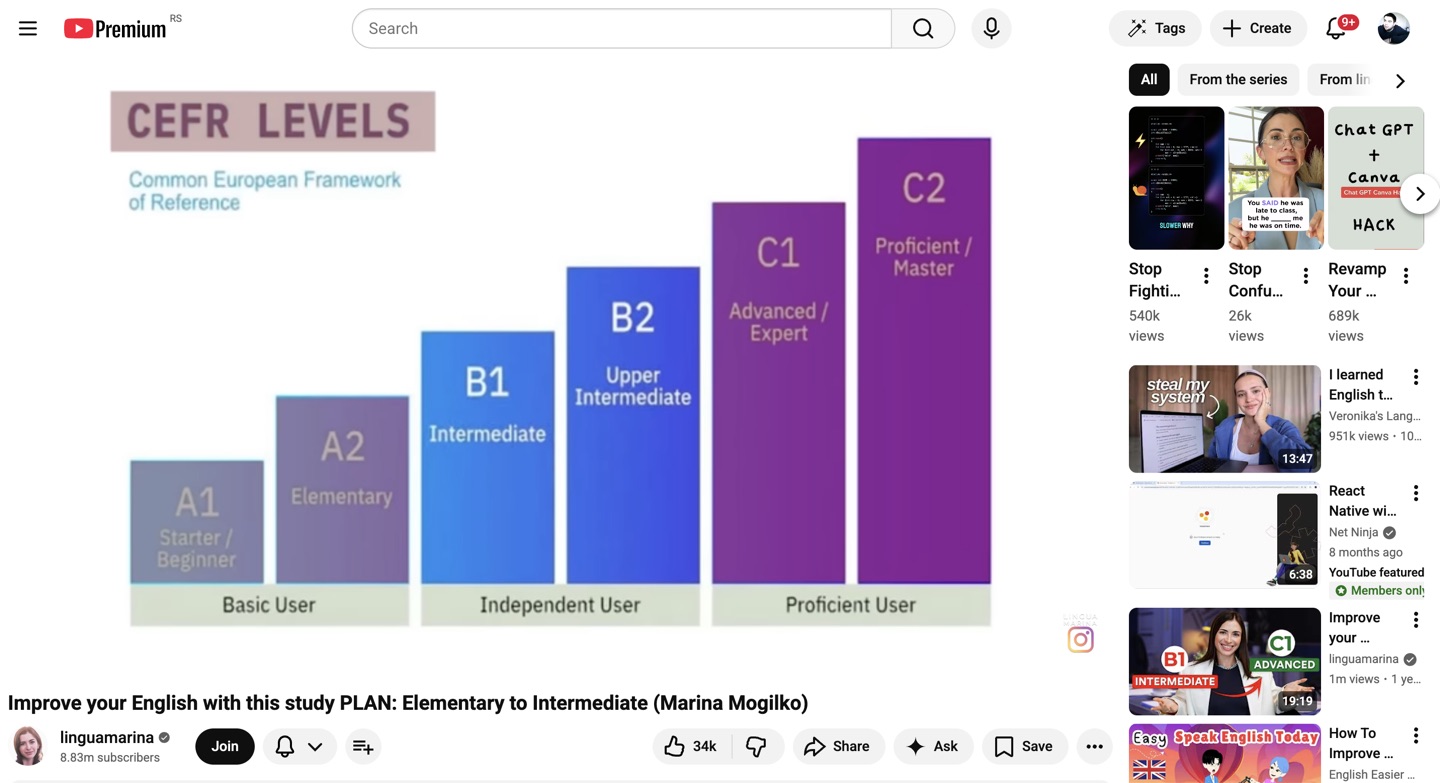
Never lose an insight again.
Take notes that automatically link to the exact moment in the video. Drop color-coded bookmarks on the progress bar. Attach screenshots. Everything is searchable and exportable.
- Timestamped notes — click to jump back to the moment
- Color-coded bookmarks visible on the progress bar
- One-click video frame screenshots
- Attach screenshots to notes
- All data organized by video in your Library
- Keyboard shortcuts for everything (Shift+N, Shift+B, Alt+S)
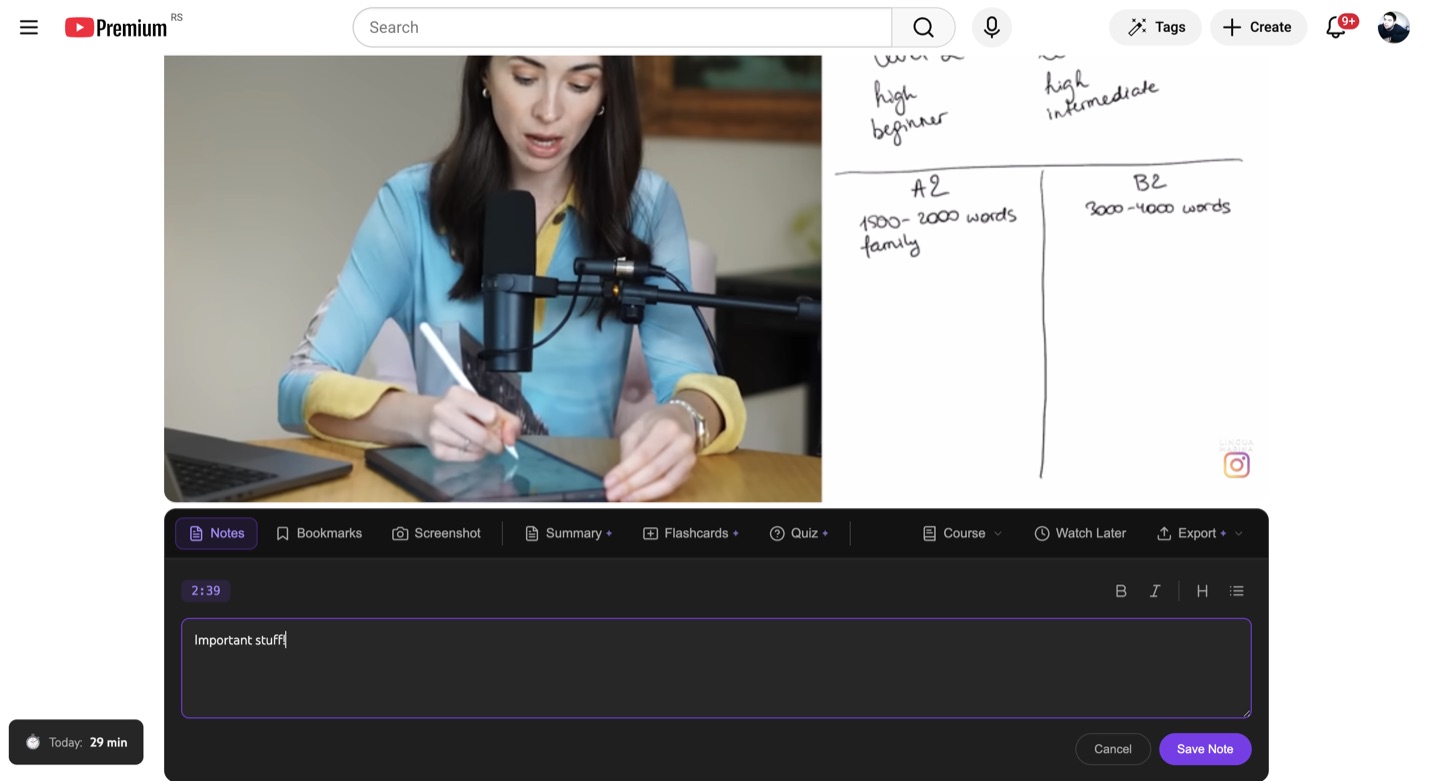
Turn any video into a study session.
Powered by GPT-4o-mini. Generate comprehensive summaries, interactive flashcard decks, and multiple-choice quizzes from any video with captions. One click. One credit.
- AI Summaries — Overview, key takeaways, and timestamped moments
- AI Flashcards — Question/answer pairs with flip-card review UI
- AI Quizzes — Multiple-choice with explanations and scoring
- All AI content is timestamped — click to jump to the relevant moment
- Works on any video with captions/subtitles
- Generated server-side for speed and consistency
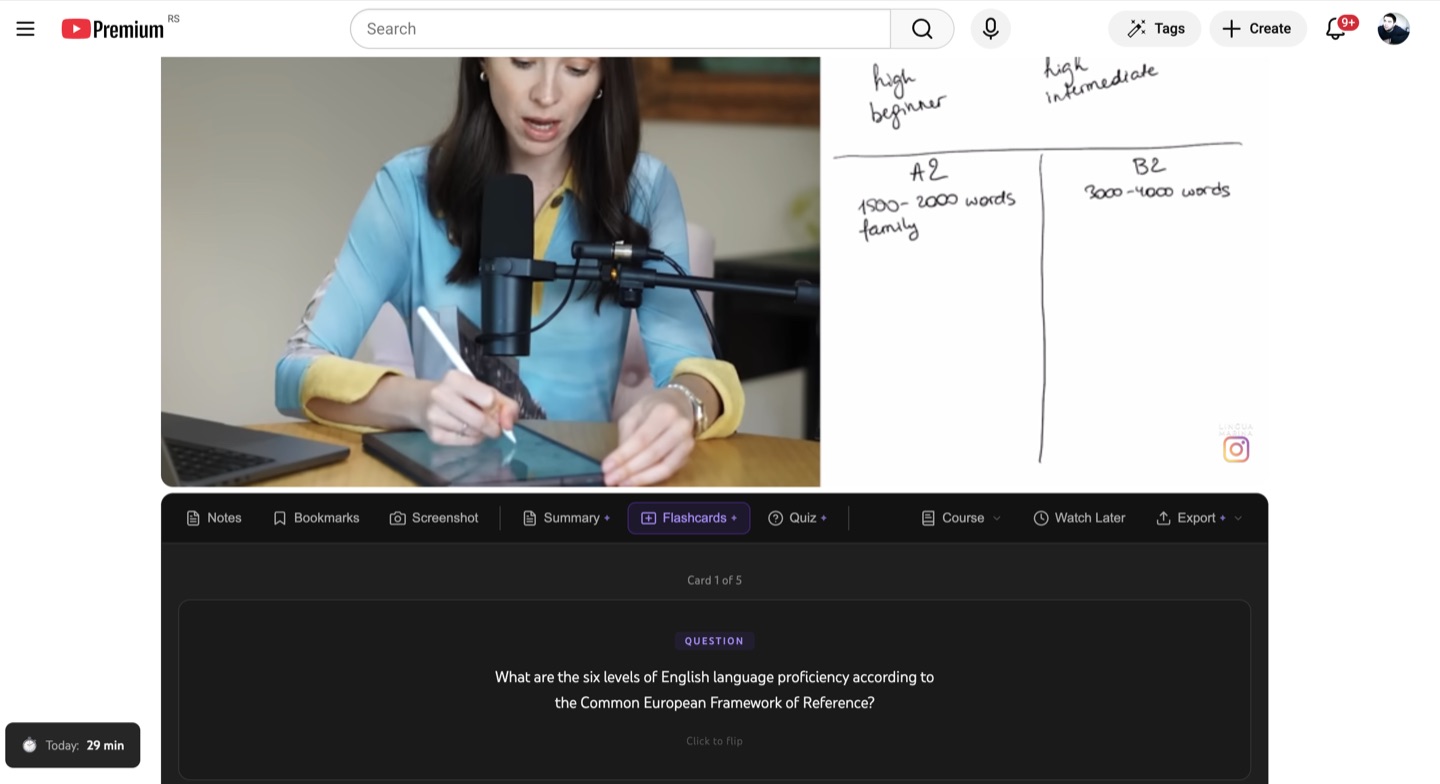
Structure your learning. Track your progress.
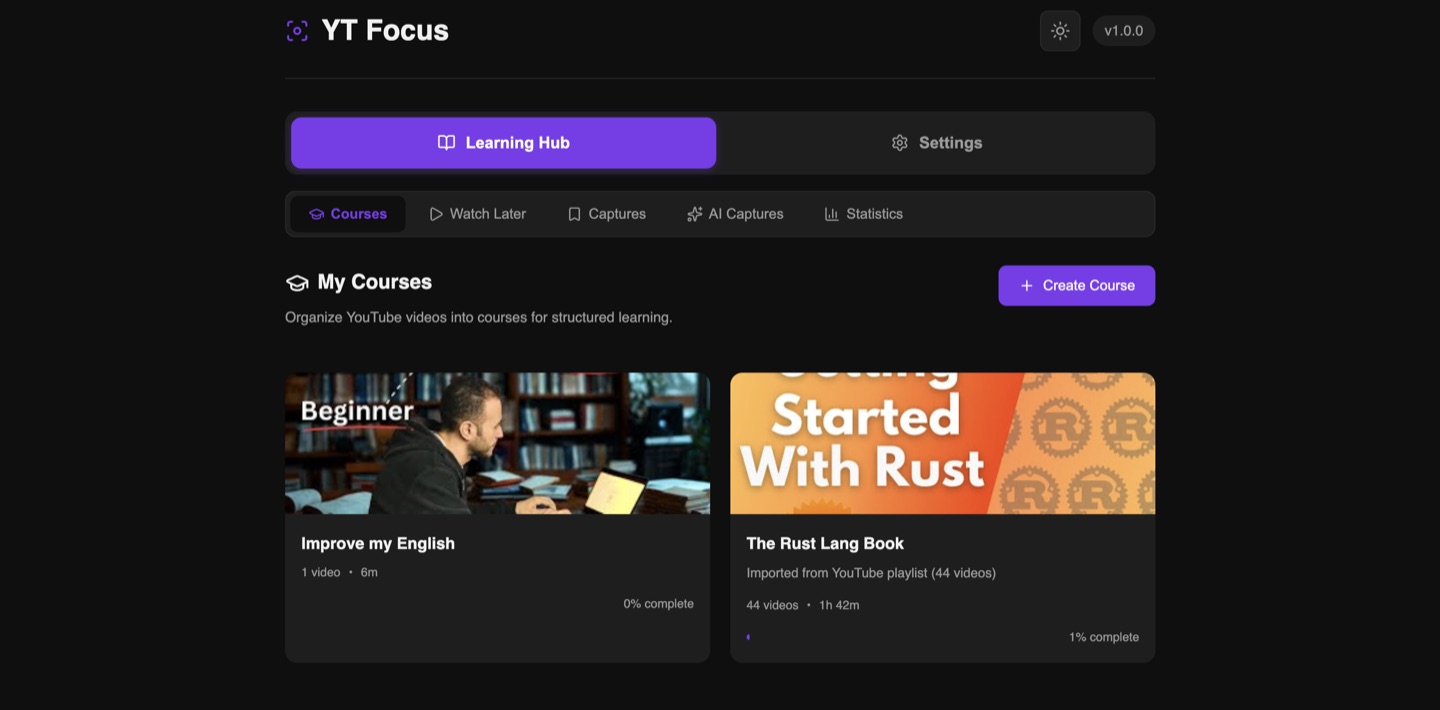
Group YouTube videos into ordered learning paths. Import entire playlists or build courses from scratch. Track completion, see your position, and get guided to the next video automatically.
- Create courses from scratch or import YouTube playlists
- Drag-and-drop video reordering
- Automatic progress tracking per video
- Course context bar on every video ("Video 3 of 12")
- "Next in Course" overlay when a video ends
- Course completion celebration
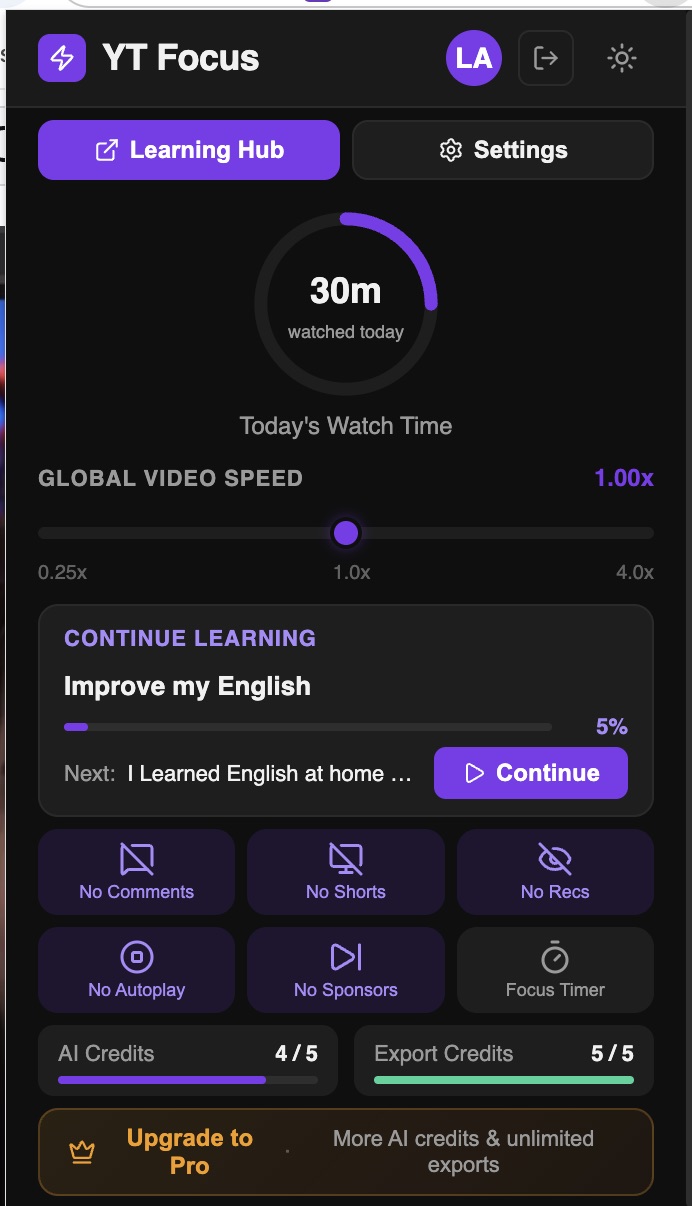
- Continue Learning card in popup (quick resume)
- Watch Later queue (separate from courses)
Learn at your pace. Stay in the zone.
Fine-tune playback speed in 0.05x increments (not YouTube's clunky 0.25x jumps). Use a built-in Pomodoro focus timer. Auto-skip sponsored segments with SponsorBlock.
- Playback speed control: 0.25x to 4x in 0.05x steps
- Speed keyboard shortcuts: [ ] \ keys
- Pomodoro focus timer with configurable work/break durations
- Auto-pause video when timer ends (optional)
- SponsorBlock integration — auto-skip sponsors, intros, outros (8 categories)
- Watch time tracking with daily limits and warnings
- Stats dashboard with per-channel breakdowns
Your notes, in your tools.
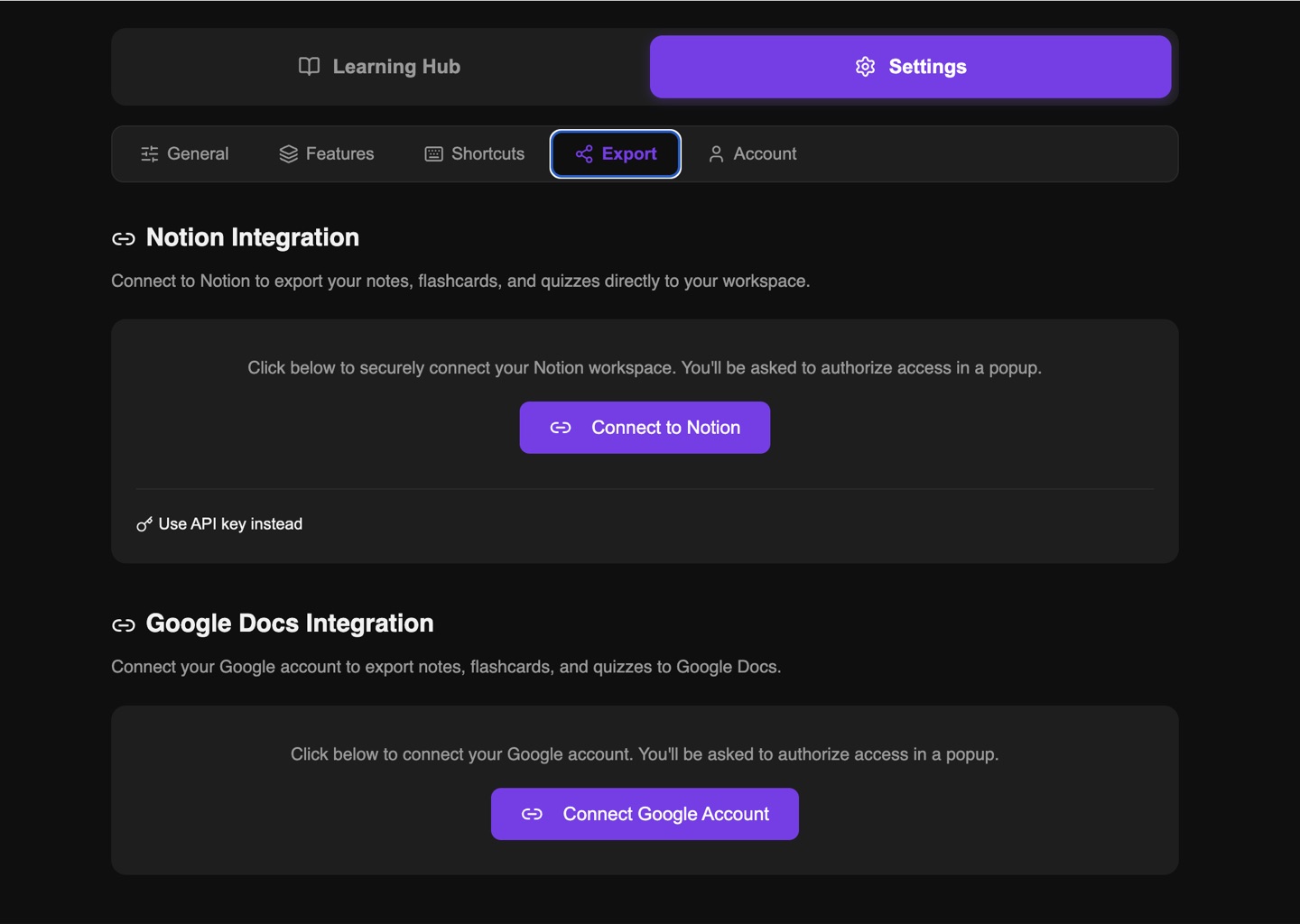
Export notes, bookmarks, flashcards, quizzes, and summaries to Notion or Google Docs with one click. Connect once, export forever.
- Notion export — Creates structured pages with formatted content
- Google Docs export — Creates formatted documents in your Drive
- OAuth-based connection (secure, no API keys needed from user)
- Choose default Notion page or Google Drive folder
- Export individual items or everything for a video
- Timestamps preserved as clickable links
Keyboard-first design
Every action at your fingertips. All shortcuts are fully customizable in settings.
Up and running in seconds
Three steps to a better learning experience.
Install
Add YTScholar to Chrome in one click. No account needed.
Customize
Toggle the features you want. Hide distractions, enable AI tools, set your speed.
Learn
Watch YouTube with focus. Take notes, generate flashcards, build courses, and export your knowledge.
Simple, transparent pricing
Start free. Upgrade when you need more AI generations and exports.
Free
- All distraction control features
- Unlimited local notes, bookmarks, screenshots
- Speed control & keyboard shortcuts
- Focus timer & watch time tracking
- SponsorBlock integration
- Courses & Watch Later (local storage)
- 5 AI generations/month
- 5 exports/month
- No account required
Pro
- Everything in Free, plus:
- 200 AI generations/month
- Unlimited exports to Notion & Google Docs
- Cloud sync across devices
- Screenshot cloud storage
- Priority bug fixes
Max
- Everything in Pro, plus:
- 500 AI generations/month
- Priority support
- Early access to new features
Credits reset monthly. AI credits are used for summaries, flashcards, and quizzes (1 credit each). Export credits are used for Notion and Google Docs exports (1 credit each).
All plans include a free tier — no credit card required to start.
Built with privacy in mind
We believe your learning data is yours. Here's how we protect it.
Local-first
All data saved to your browser first. Works offline. No account required for core features.
No tracking
No analytics, no ad networks, no data sold to third parties.
Minimal permissions
Only requests access to youtube.com and the APIs you connect (Notion, Google Docs).
EU-hosted data
Cloud sync powered by Supabase, hosted in EU (eu-central-1).
Open about permissions
Every Chrome permission explained transparently.
Your data, your control
Export or delete all your data anytime from Settings.
Extension Permissions
storage- Save settings, notes, bookmarks locally
activeTab- Read video title, channel, timestamp on YouTube
scripting- Inject the editor panel and UI components
identity- OAuth for Notion and Google Docs
notifications- Focus timer alerts
Host Permissions
youtube.com- Core functionality
sponsor.ajay.app- SponsorBlock community database
supabase.co- Cloud sync and AI generation
api.notion.com- Notion export
googleapis.com- Google Docs export
Frequently asked questions
Everything you need to know about YTScholar.
Yes. All core features — distraction blocking, notes, bookmarks, screenshots, speed control, focus timer, SponsorBlock, courses, and watch time tracking — are completely free with no account required. You get 5 AI generations and 5 exports per month on the free plan.
No account is needed for local features. Create a free account to unlock AI features, cloud sync across devices, and exports to Notion/Google Docs.
YTScholar reads the video's transcript (captions) and sends it to GPT-4o-mini to generate summaries, flashcards, or quizzes. This requires the video to have captions available. Each generation costs 1 AI credit.
All data is stored locally in your browser first. If you create an account, data syncs to Supabase (EU-hosted). We never sell your data or use it for advertising. You can export or delete everything from Settings.
The core features (notes, bookmarks, distraction blocking, speed control) work on every video. AI features require the video to have captions or subtitles.
Yes, YTScholar works alongside YouTube Premium. They complement each other — Premium removes ads, YTScholar adds learning tools.
Currently Chrome and Chromium-based browsers (Edge, Brave, Arc, etc.). Firefox support is planned.
You can cancel anytime from your account settings. Your plan stays active until the end of the billing period. After that, you revert to the free plan and keep all your local data.
Yes. All notes, bookmarks, flashcards, quizzes, and summaries can be exported to Notion or Google Docs at any time. Your local data remains in Chrome even without an account.
Start learning smarter today
Free forever. No credit card required. Install in seconds.